
Import Reservations from Thousand Trails
By Procrasticamper Team · February 26, 2026
How to Export Your Thousand Trails Reservations and Import Them into ProcrastiCamper
If you’re a Thousand Trails member and want to quickly load your existing reservations into ProcrastiCamper, there’s an easy way to do it using your laptop browser.
You can download your reservations page as an HTML file and upload it directly into ProcrastiCamper’s import tool. The system will automatically parse your reservations and add them to your timeline.
Why This Process Is Manual
You might wonder why ProcrastiCamper doesn’t simply connect to the Thousand Trails website and automatically sync your reservations.
The short answer: Thousand Trails does not provide an API for reservation data, and their Terms of Service prohibit automated scraping or bots accessing their website. That means tools like ProcrastiCamper cannot safely log in and pull your reservations automatically without violating their rules.
Instead, we designed a simple manual export method where you download your reservations page and upload it to ProcrastiCamper. The system then parses the file and imports your trips automatically.
If you're curious about the technical and legal details behind this decision, read the full explanation here:
→ Why Importing Thousand Trails Reservations Is a Manual Process/blog/why-thousand-trails-import-is-manual
Step 1: Log In to Your Thousand Trails Account
Go to the Thousand Trails Members Portal and log into your account.
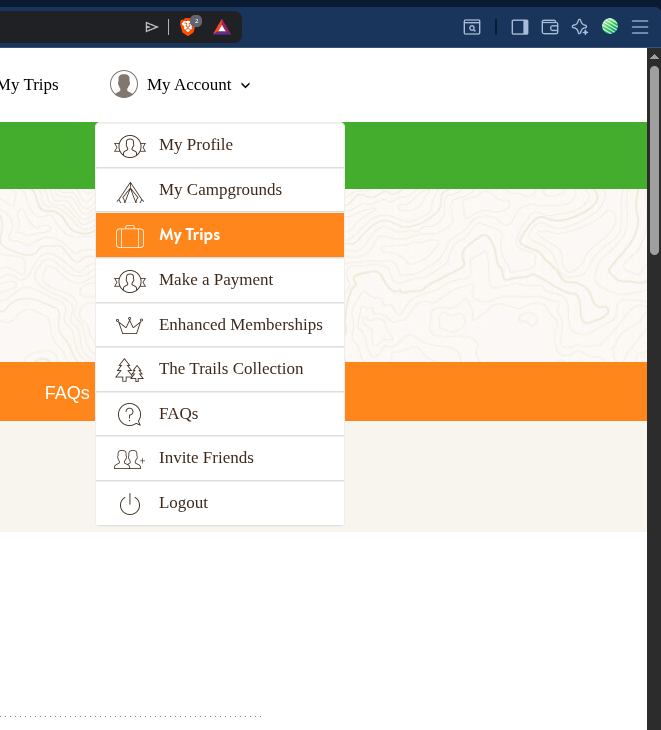
From the top navigation menu, open the My Account dropdown.
Click My Trips.
Step 2: Go to Current Reservations
Once you’re on the My Trips page, make sure you are viewing your Current Reservations tab.
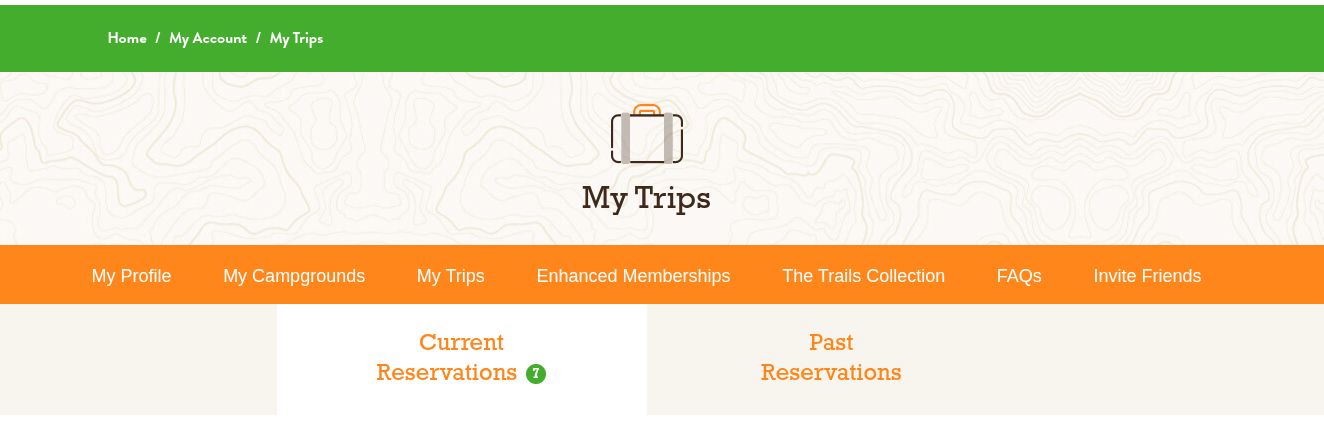
This page contains all the reservation data that ProcrastiCamper can read and import.
Step 3: Save the Page as HTML
Now you’ll save this page directly from your browser.
In Chrome, Brave, Edge, or most desktop browsers:
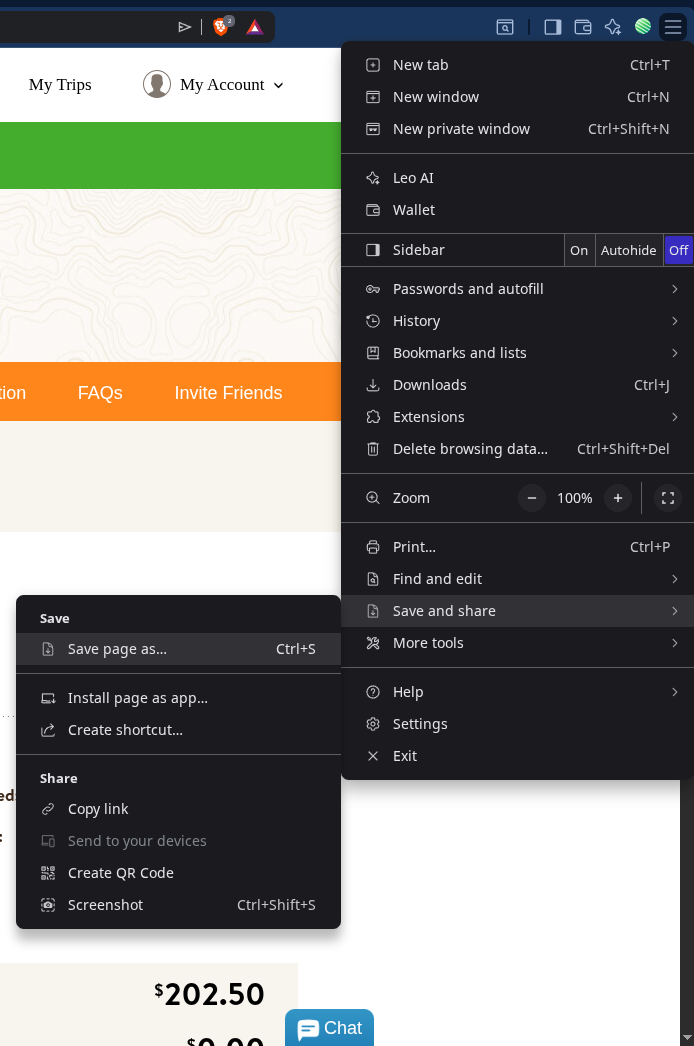
Click the three-dot browser menu (top right).
Choose Save and share
Click Save page as…
Alternatively, you can use the shortcut:
Ctrl + S (Windows)
Cmd + S (Mac)
When prompted, save the file as:
Webpage, Complete (recommended)
File type:
.html

Save it somewhere easy to find, like your Desktop.
Important: Desktop Browser Required
This process works best on a laptop or desktop browser.
Mobile browsers generally do not allow you to properly save full HTML pages, so if you’re on a phone or tablet, you’ll need to switch to a computer.
Step 4: Upload to ProcrastiCamper
Now go to the ProcrastiCamper Import page.
Upload the saved HTML file.
The system will:
Extract your reservation dates
Identify campground names
Parse arrival and departure details
Load them directly into your reservation timeline
No manual re-entry required.
Why This Helps
Many full-time RVers already have months (or years) of reservations in Thousand Trails. Instead of copying them one by one, this method lets you import everything in seconds.
It’s fast.
It’s clean.
And it keeps your travel planning centralized inside ProcrastiCamper.